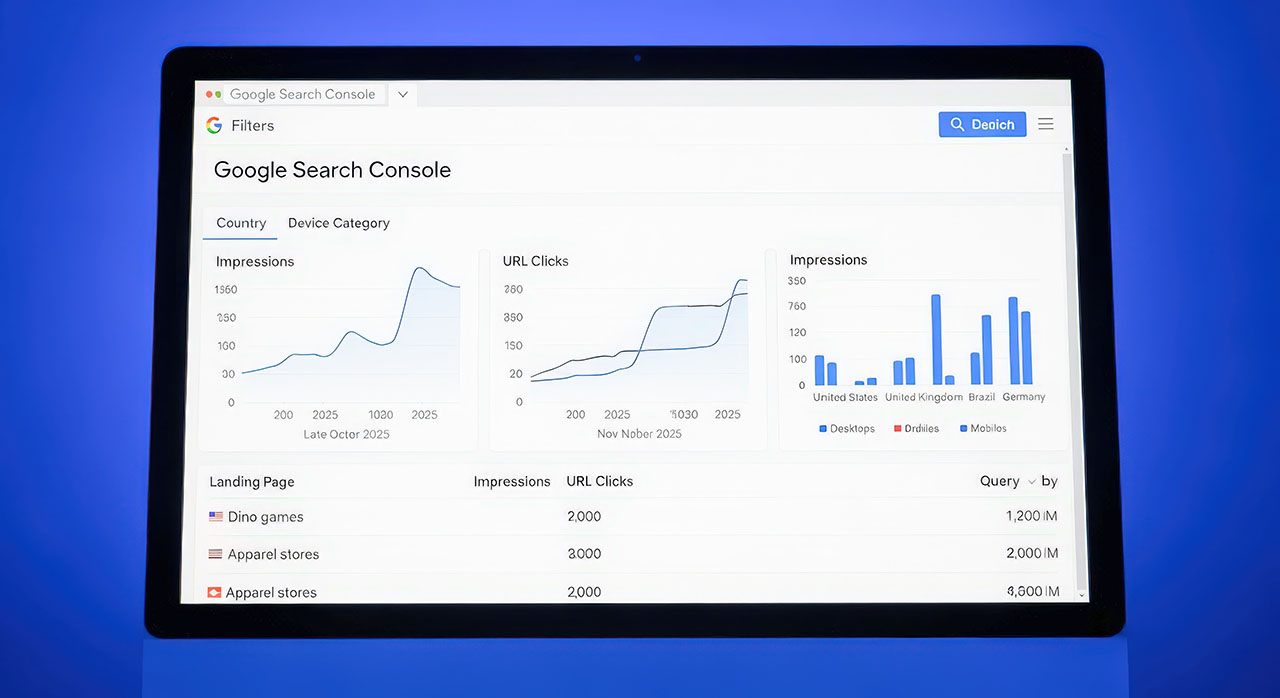
Core Web Vitals are the practical heartbeat of user experience. In 2025 they remain one of the clearest ways to protect visibility, keep customers engaged and turn more visits into enquiries. While algorithms evolve and AI reshapes how people discover answers, the common thread is simple. Fast, stable and responsive pages win trust. Trust drives action.
What Core Web Vitals measure today
Core Web Vitals focus on three user centred signals. How quickly the most important content appears. How stable the page is while it loads. How quickly the page responds when someone interacts. In plain English that means your hero image and headline turn up quickly, nothing jumps around as assets load, and taps and clicks feel instant. If you get those three moments right, everything else gets easier. People read more, bounce less and are more likely to enquire.
The business case beyond scores
It is tempting to treat Core Web Vitals as a scoreboard. Green equals good and red equals bad. What matters more is what those colours represent. A fast, stable site reduces friction and lowers the cost per lead. It makes ad traffic convert better. It improves the quality of the signals search engines see, which helps your rankings hold up through core updates. It also reduces support tickets and abandoned forms because the site simply works. Think of Core Web Vitals as insurance for both rankings and revenue.
How to improve Largest Contentful Paint
Largest Contentful Paint is usually driven by your hero image, a background image, or a big block of text. Aim to make that element render quickly and predictably.
- Optimise hero images. Use efficient formats and compress aggressively. Set explicit width and height or an aspect ratio so space is reserved before the image loads.
- Prioritise the hero. Use modern hints to tell the browser the hero image matters most. Preload the file and mark it as high priority.
- Ship less render blocking code. Inline only truly critical CSS and defer the rest. Move non essential scripts out of the critical path.
- Reduce server time. Use edge caching or a CDN and keep time to first byte low. Database calls and server side processing can be the silent killers of first paint.
- Keep fonts from blocking paint. Preload the primary webfont and use a sensible fallback with a swap strategy so text appears immediately.
How to improve Cumulative Layout Shift
Layout shift is the visual wobble that makes people miss buttons or lose their place while reading. It erodes trust in an instant.
- Reserve space for everything. Images, ads, embeds, carousels and video players should all have defined dimensions or aspect ratios.
- Avoid injecting content above existing content. Late loading banners, consent bars and pop ups are frequent culprits. Place them carefully or reserve space.
- Animate safely. Use transforms and opacity rather than properties that trigger layout thrashing.
- Stabilise fonts. Use font loading strategies that avoid big reflows when the webfont arrives.
- Test real templates. CLS issues often hide in unusual page types, third party widgets or rarely used components.
How to improve Interaction to Next Paint
Interaction to Next Paint measures how quickly the interface responds after a click, tap or keyboard input. It reflects the sum of delays from event handling, main thread work and painting.
- Break up heavy JavaScript. Split bundles, lazy load non essential features and remove libraries you no longer need.
- Eliminate long tasks. Anything that blocks the main thread for more than 50 ms can be broken into smaller chunks or moved off the thread.
- Give instant feedback. Show a lightweight visual response the moment someone acts. A button state change or skeleton can reassure while work continues.
- Use workers wisely. Offload expensive computation to web workers and keep the main thread free for interaction.
- Trim the DOM and simplify the layout. Overly complex trees and deep nesting slow everything down.
A simple performance playbook your team can adopt
This is a practical way to move from intention to impact without boiling the ocean.
- Set a performance budget. Define targets for the three Web Vitals and for total JavaScript shipped on key templates. Make these part of the definition of done.
- Create a hero path. Identify your top revenue pages and fix those first. This avoids spreading effort too thinly.
- Build a design system with performance baked in. Component level rules for image sizing, font usage and motion reduce regressions later.
- Add a pre publish check. Before new pages go live, verify the three vitals on mobile, check for layout shift and confirm interactive elements respond quickly.
- Watch real user data. Synthetic tests are useful but field data shows how customers truly experience the site across devices and networks.
- Review quarterly. Performance decays as new features ship. Schedule a light but regular tune up.
WordPress tips that move the needle fast
Many sites in your stack run on WordPress, so here are quick wins that avoid deep rewrites.
- Replace heavy theme features with lean, purpose built components.
- Limit plugin count and audit third party scripts. Aim for fewer requests and smaller bundles.
- Serve responsive images with proper sizes and intrinsic dimensions.
- Cache at the edge and use page caching for anonymous traffic.
- Preload the hero image and key fonts, and defer everything non critical.
- Use lazy loading for below the fold content but avoid lazy loading the hero.
Measurement that aligns with outcomes
Page speed tooling is noisy. Focus on a small set of reliable views and tie them to outcomes.
- Field data first. Use real user monitoring and the platform’s own field data to track Core Web Vitals over time on mobile and desktop.
- Search Console for coverage. Use it to see which URL groups fall short and whether fixes are lifting entire templates, not just examples.
- Lab tests for diagnosis. Use controlled tests to reproduce issues and verify improvements before pushing to production.
- Tie to revenue. Pair performance metrics with conversion rate, call clicks and form completion. The team stays motivated when improvements clearly affect the bottom line.
Governance that keeps performance healthy
Performance is not a one off project. Treat it like security or accessibility. It needs ownership and simple rules.
- Name an owner. Give someone the mandate to guard the budget and sign off on exceptions.
- Agree standards. Set component level guidance for images, scripts, fonts and motion.
- Track drift. Add automated checks in CI to flag large bundles, missing dimensions or unexpected layout shifts.
- Share wins. Report the impact of fixes on enquiries and sales so stakeholders keep prioritising the work.
Pitfalls to avoid
Do not chase perfect synthetic scores at the expense of real users. Do not over optimise a single template while ignoring the ones that actually generate enquiries. Do not treat performance as a developer only problem. Designers, content editors and marketers all influence it with their choices. Above all, do not let regressions creep in through small changes. A single oversized hero or a late loading banner can knock a previously green page into the red.
What this means for your business
Core Web Vitals still map directly to the experience customers feel and the signals search engines value. In a world of AI overviews and answer engines, they are the foundation that keeps people on the page long enough to believe you and to act. If you are picking priorities for the next quarter, put these three improvements on the list. Make your hero render fast. Stabilise your layout. Keep interaction snappy. The result is a site that feels effortless to use, that keeps rankings resilient and that turns more of your hard won visits into real enquiries.